
If a template isn't appearing in the template selector, there are two common reasons — and both are easy to fix by adjusting the filters at the top of the selector.
Check these two things first
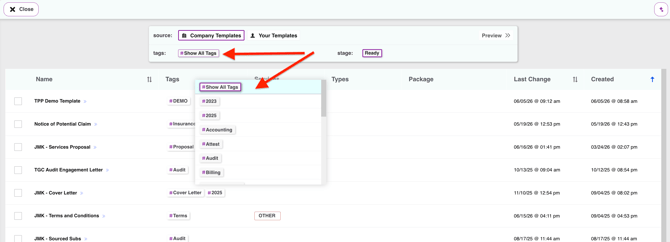
- A tag filter is active. If you have a tag selected at the top of the template selector, only templates with that tag will appear. Click the Show All Tags to deselect it and show all templates.
- The template is still in Draft stage. Templates in draft are not visible to users by default. At the top of the selector, check the stage filter and change to see templates in different stages.
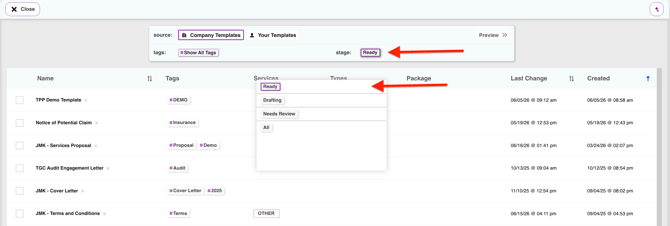
Both of these filters appear across the top of the template selector — toggle them to broaden what's shown and your template should appear.
Still not showing up?
If the template still isn't visible after clearing the tag filter and confirming the stage is Published, the template may not be loaded into your account yet. Reach out to support@knuula.com and the team can get it added for you.